













Your card machines, Clover and your bank never show the same number
Your card machines say you took $4,000 in card sales today. Clover says it is sending you $3,880. Two days later your bank shows $3,880 arriving, except that deposit also covers Saturday.
Nothing has gone wrong. But proving that takes someone an hour with a spreadsheet, and if a payout is genuinely missing, nobody finds out until the end of the month.
Clover takes its fee first
The processing fee comes out before the money moves, so the deposit is always smaller than the day's takings.
Payouts are batched
Clover groups sales together and pays once. A Friday to Sunday weekend usually lands as a single Monday deposit.
Today's deposit is not today's sales
A batch funds a day or two after the sale, so the money arriving this morning belongs to trading from earlier in the week. Comparing one day against one day never works.
Tips and refunds move the number again
Tips, surcharges and a refund netted out of the same payout all change what actually lands
Key features
What the software does, from the moment your data arrives to the moment the period is signed off.
Clover data prepared for matching
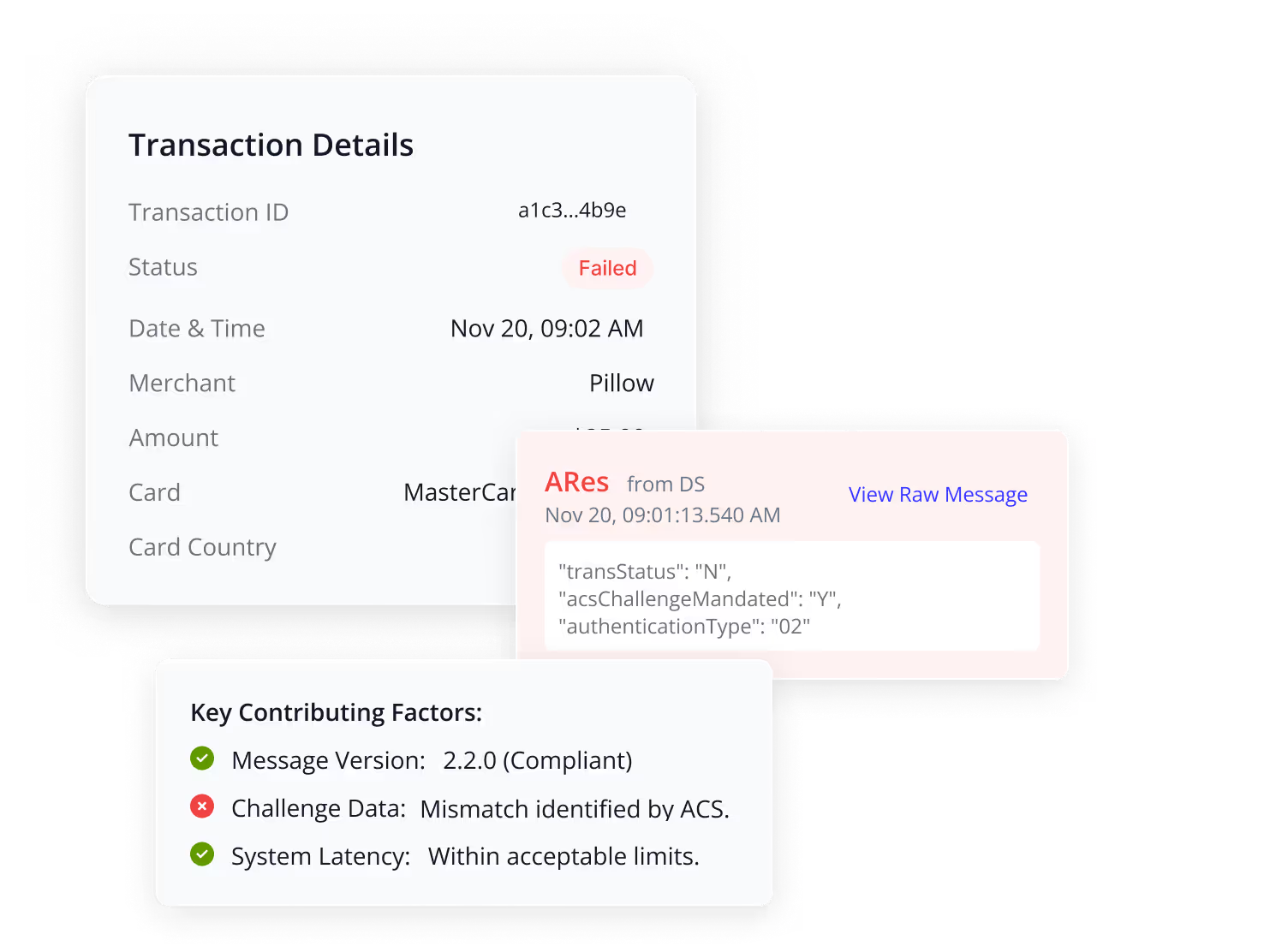
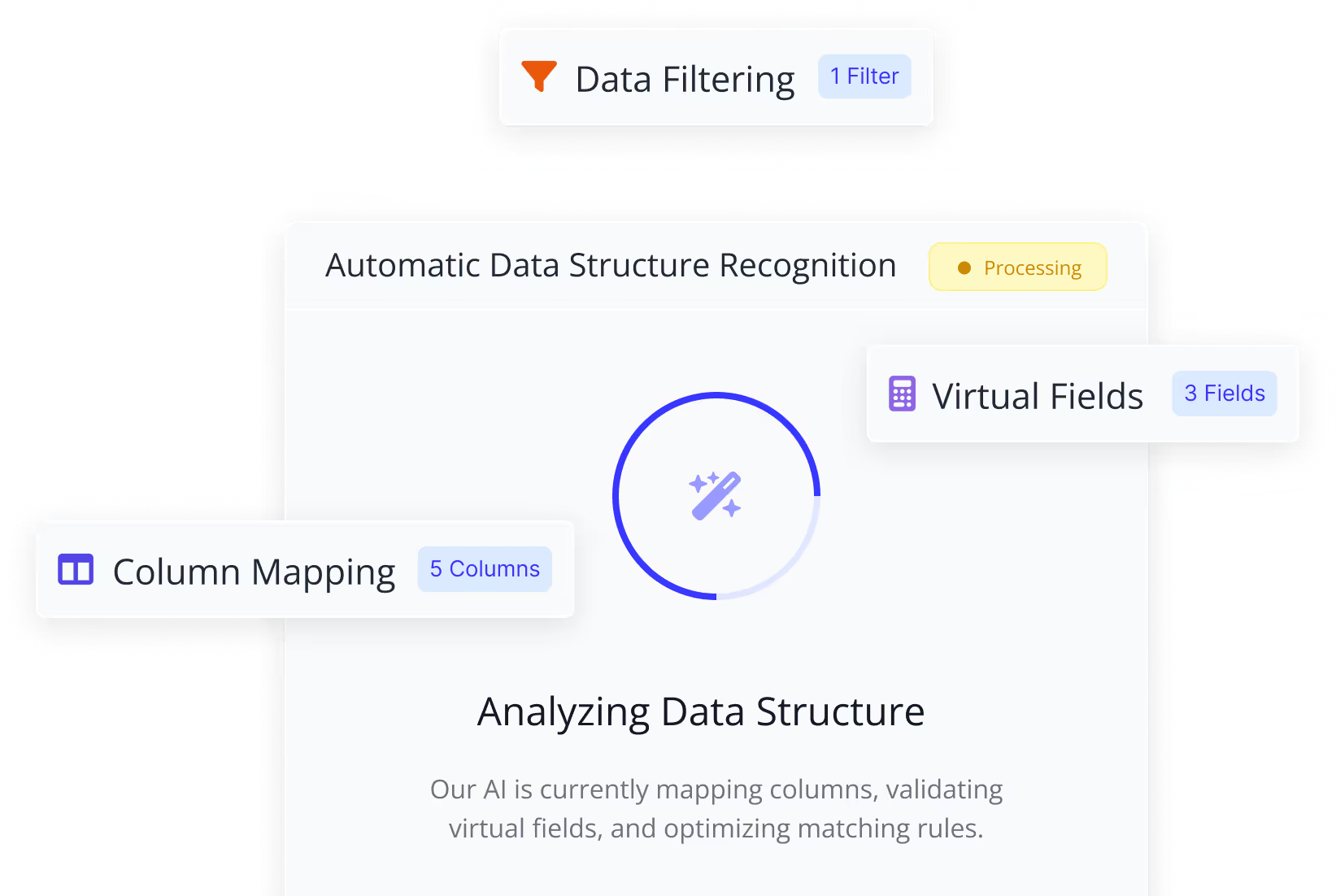
Clover and your bank describe the same money in completely different ways. LedgerMatch lines the two up before matching, and your source records are never changed.
- Converts Clover amounts out of cents and puts both sides in the same currency
- Reads every deposit as money in, whichever way your bank reports it
- Labels each bank line as a payout, a chargeback, a processor fee or other income, so only real Clover payouts enter the check
- Keeps two dates on every record, when the sale happened and when the money posted
- Adds calculated fields such as net amount after fees, without touching the original data
Matching that handles batched payouts
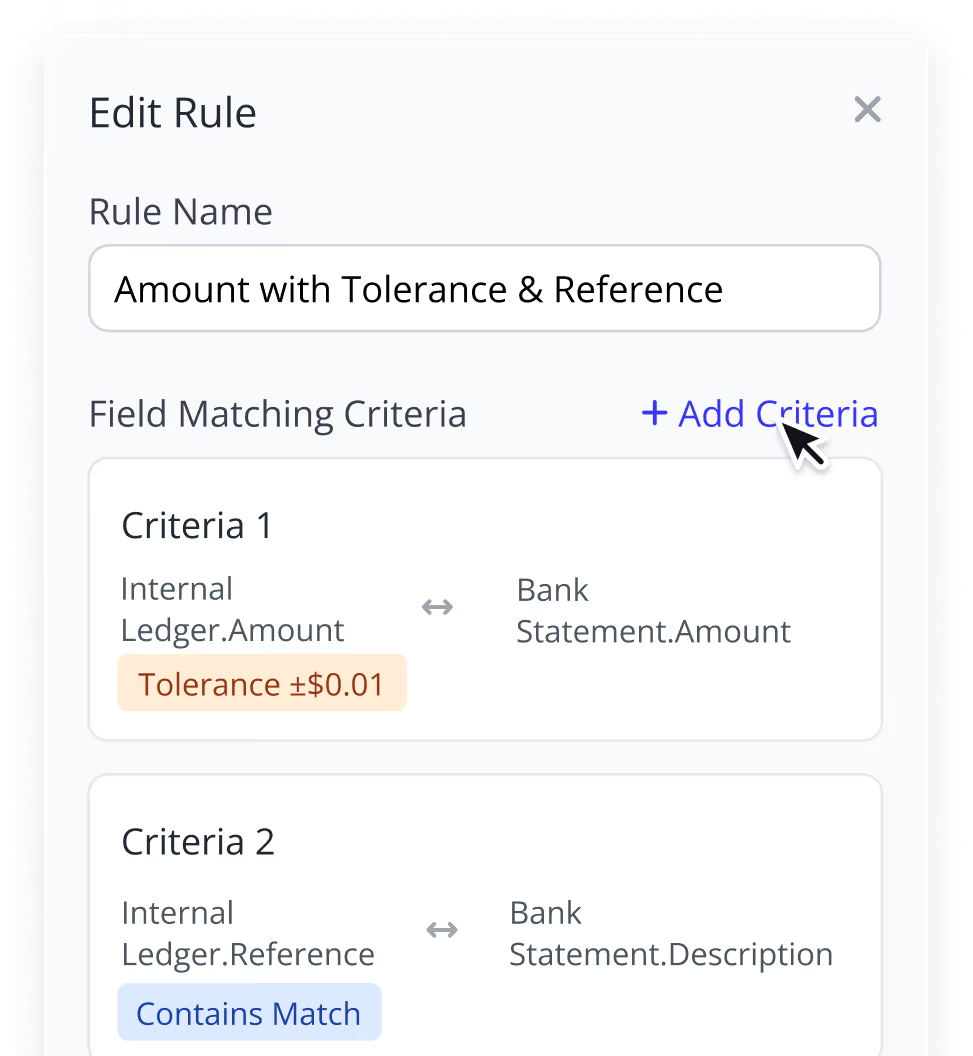
Clover pays once for a group of sales, so the two sides never line up one to one. LedgerMatch matches them against rules you set, with AI alongside to catch what the rules would miss.
- Matches on amount, funding window and reference, in the priority order you choose
- Groups many settlements into the single deposit that paid for them
- Ties every sale to the payout that batched it before the bank is compared
- AI proposes the matching rules from your own data, and your team approves them before anything runs
Every deduction accounted for

Every payout arrives smaller than the sales behind it. LedgerMatch separates each deduction and applies the tolerance you set.
- Keeps gross, fees, tips, surcharges, refunds and net as separate figures on every payout
- Clears differences inside your tolerance automatically
- Flags anything above the tolerance with its reason attached
Every store tracked separately
Clover reports each location and terminal separately. LedgerMatch keeps that detail all the way through the match instead of collapsing it into one figure.
- Carries the location name and merchant ID on every settlement
- Groups and filters results by location
- Keeps the terminal detail on the sales inside each payout
Exceptions handled step by step
Every run moves through clear stages, and the payouts that did not match become a working list with a status and an owner.
- Shows the stage and status of every run, from import through to sign-off
- Assigns each exception to a named person
- Lets you link records by hand where a rule could not
- Re-runs the matching without starting the reconciliation again
- Requires approval before a period is closed
How POS reconciliation works in LedgerMatch
Four steps. You are involved in one of them.
Connect Clover and your bank
Give read only access to each once. More than 12,000 US banks are supported. No files emailed and no passwords shared.
Matching runs every day
Payouts are matched to deposits on the amount, the funding window and the reference. You set the rules and approve them before anything runs.
You see only the exceptions
What agreed is finished. What did not is a short list, each item with its store, its cause and what would close it.
Close the period in one click
You get the full set of reports with every figure traceable back to the Clover record or the bank. Nothing in it is a number we invented.
What changes once LedgerMatch is doing it
Faster, more accurate, and a few things you could not do before.

It runs overnight
Up to 95% of payouts match on their own while you are closed. You come in to a short list instead of a spreadsheet.

Up to 99% accuracy
A spreadsheet gets a formula wrong or a row skipped and nobody notices. A rule does the same thing every time, so the answer is the same whoever is looking.

Ten stores, one person
Checking each location by hand takes an afternoon, and longer every time you open another. LedgerMatch checks them all at once

You find missing money sooner
A payout that never arrives leaves nothing on your statement to notice. LedgerMatch flags it the same week, while Clover still has the records.

Days of work become minutes
Reconciling a month of payouts by hand takes days. Here it is already done, and closing the period is one click.

Every number is backed by a record
Each figure traces to the Clover settlement or the bank line it came from, so you can always show how a total was reached.
Security and compliance across every store and connection

Enterprise-grade encryption for card data
Your sales, settlement and bank records are encrypted in transit and at rest to prevent unauthorized access at every stage.
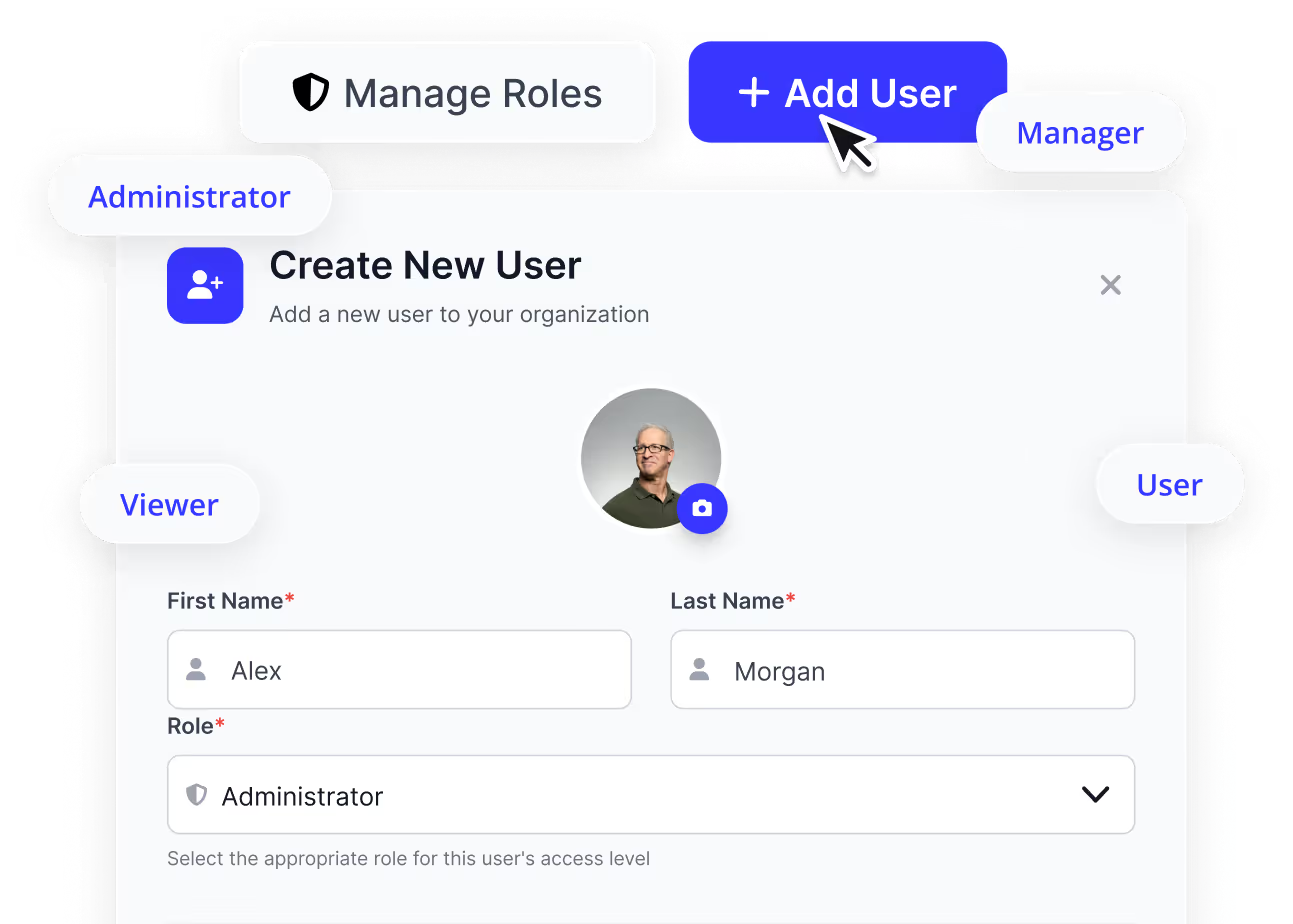
Role-based access by store
A manager can see their own location while head office sees everything. People only see and manage what they are authorized to access.
A full record of every reconciliation
Every action is logged and traceable, so you can always show how a figure was reached and who signed it off.

Read only, on both connections
LedgerMatch can see your Clover and bank transactions and has no way to move money. There is no setting that changes that.
Frequently asked questions
