













Every month, the same handful of problems take your team's time
Processor fees, settlement delays, wrong-entity payments, and the one payout that never lands: each one means hours of manual matching every month. Automated reconciliation software clears the patterns it recognizes and leaves your team only the exceptions that need a decision.

Fees never match the gross
Every processor takes its cut before the money lands, so the deposit never ties to what you booked. Reconciling that gap by hand, across thousands of transactions, is where the hours go.
gross ≠ net deposit

Settlements land days later
Payouts arrive on a T+2 or T+3 delay, so today's deposit covers sales from days ago. Telling apart late, short, and in-transit at volume is the hard part.
T+2 / T+3 timing

Payments from the wrong entity
Money arrives from an account you never billed. It stays unmatched on purpose, because that mismatch is exactly what a review needs to catch, not something to force-match away.
billed ≠ paid by

One miss hidden in the volume
At thousands of transactions a day, the single payout that never arrived disappears into the noise, until it turns up as a shortfall you can't explain.
1 in thousands
Everything reconciliation needs, built into one tool
From bringing in your data to matching it and keeping it under control, these are the parts that make AI reconciliation software fast and accurate.
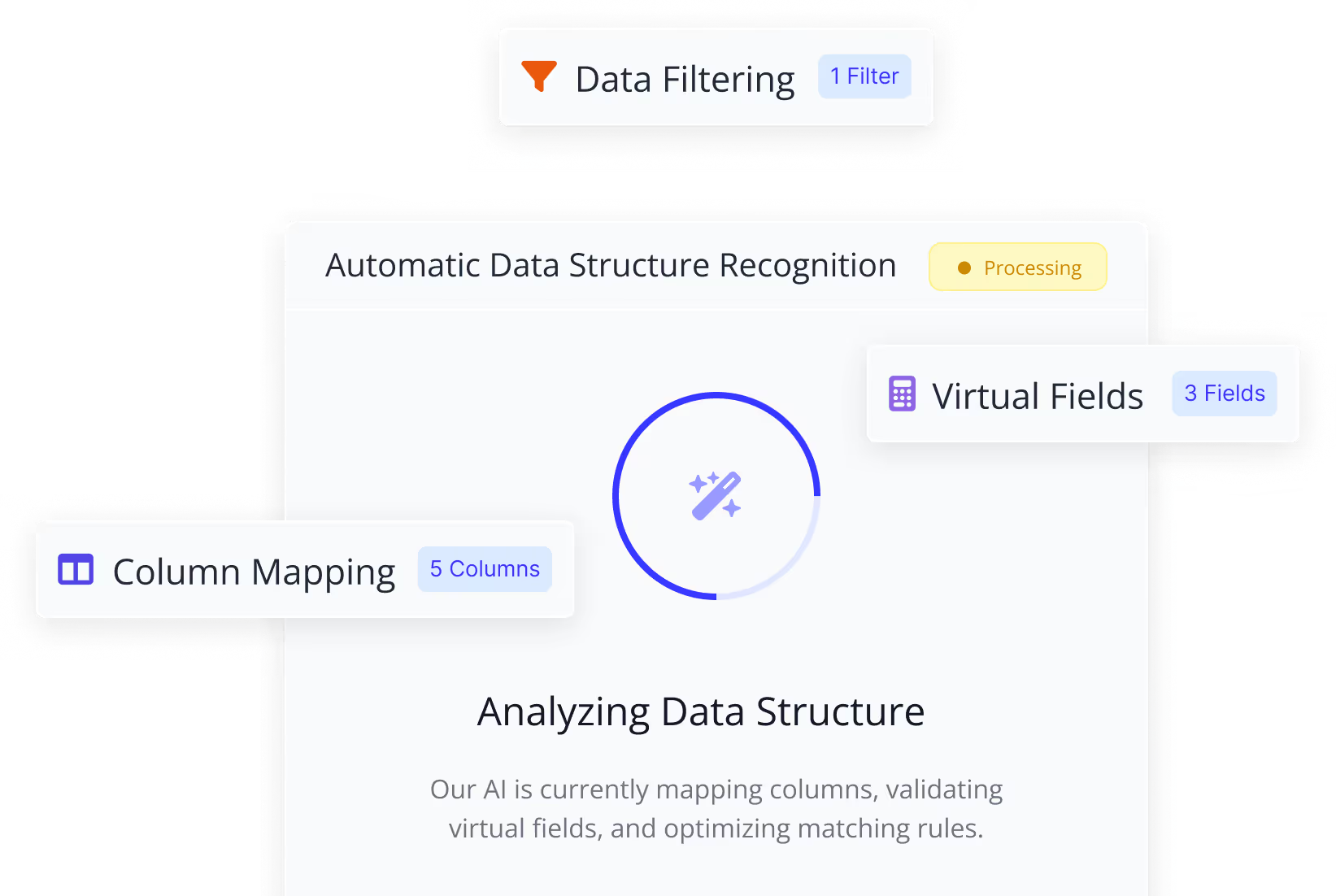
Easy data setup
Upload your files and LedgerMatch reads them for you: the columns, the dates, the amounts. What used to take days takes minutes
- Reads columns, dates, and amounts on its own
- Turns messy files into clean, ready-to-match data
- Almost nothing to set up by hand
Smart matching
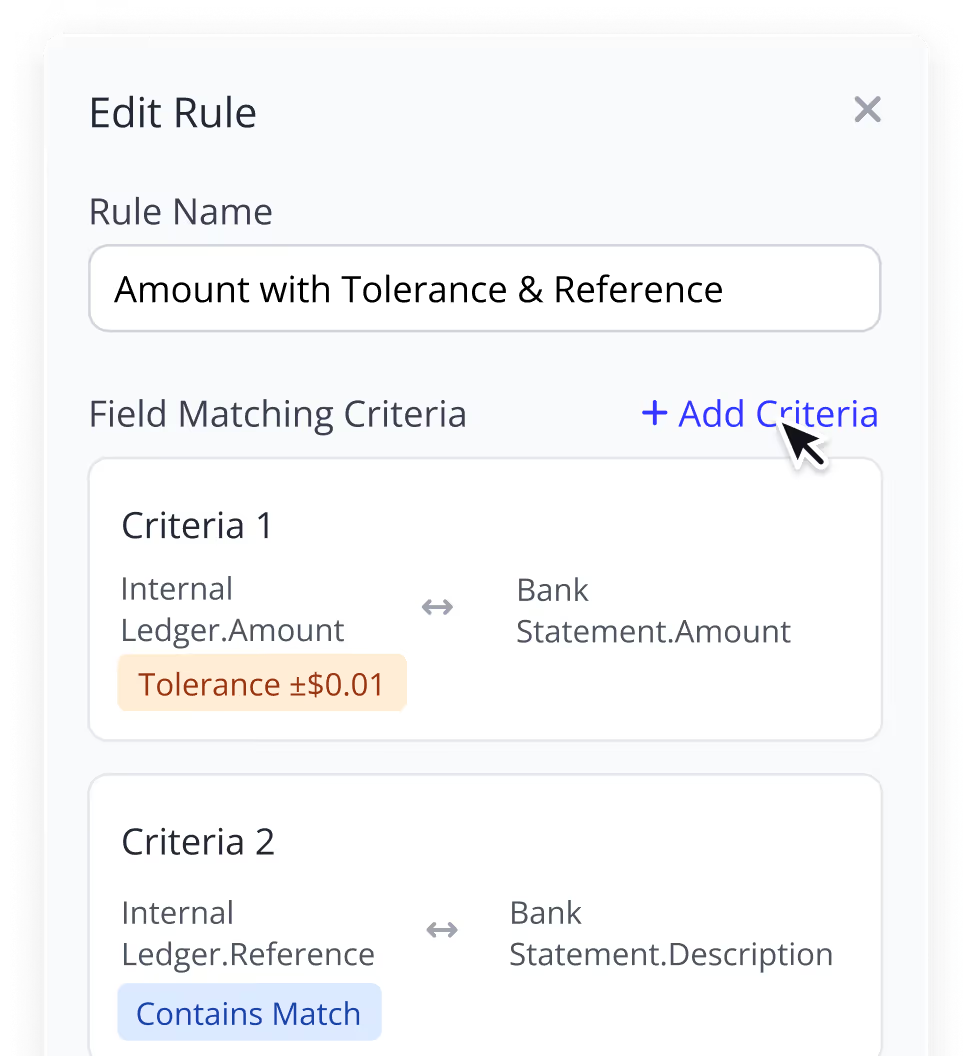
Match payments using rules you set (amount, date, reference), with AI alongside to catch the ones your rules would miss.
- Rules you control, in the order you want
- Room for fees, rounding, and timing gaps
- AI that gets sharper the more you use it
Clean-up that keeps the original
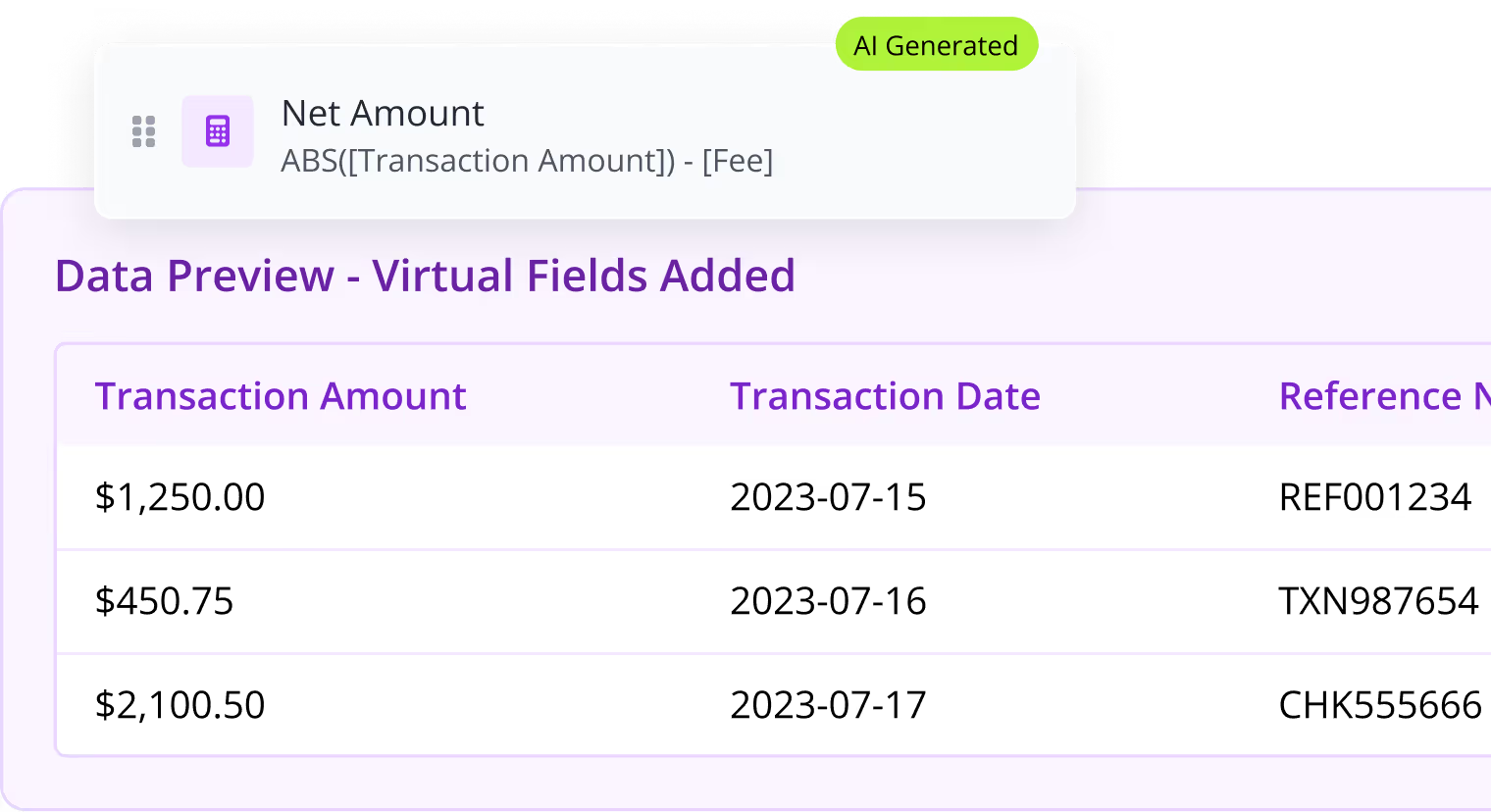
The software tidies up your data so different formats don't block a real match, and your original files stay exactly as they were.
- Lines up dates, currencies, and references
- Adds helper fields for better matches
- Lines up dates, currencies, and references
Who can see and do what
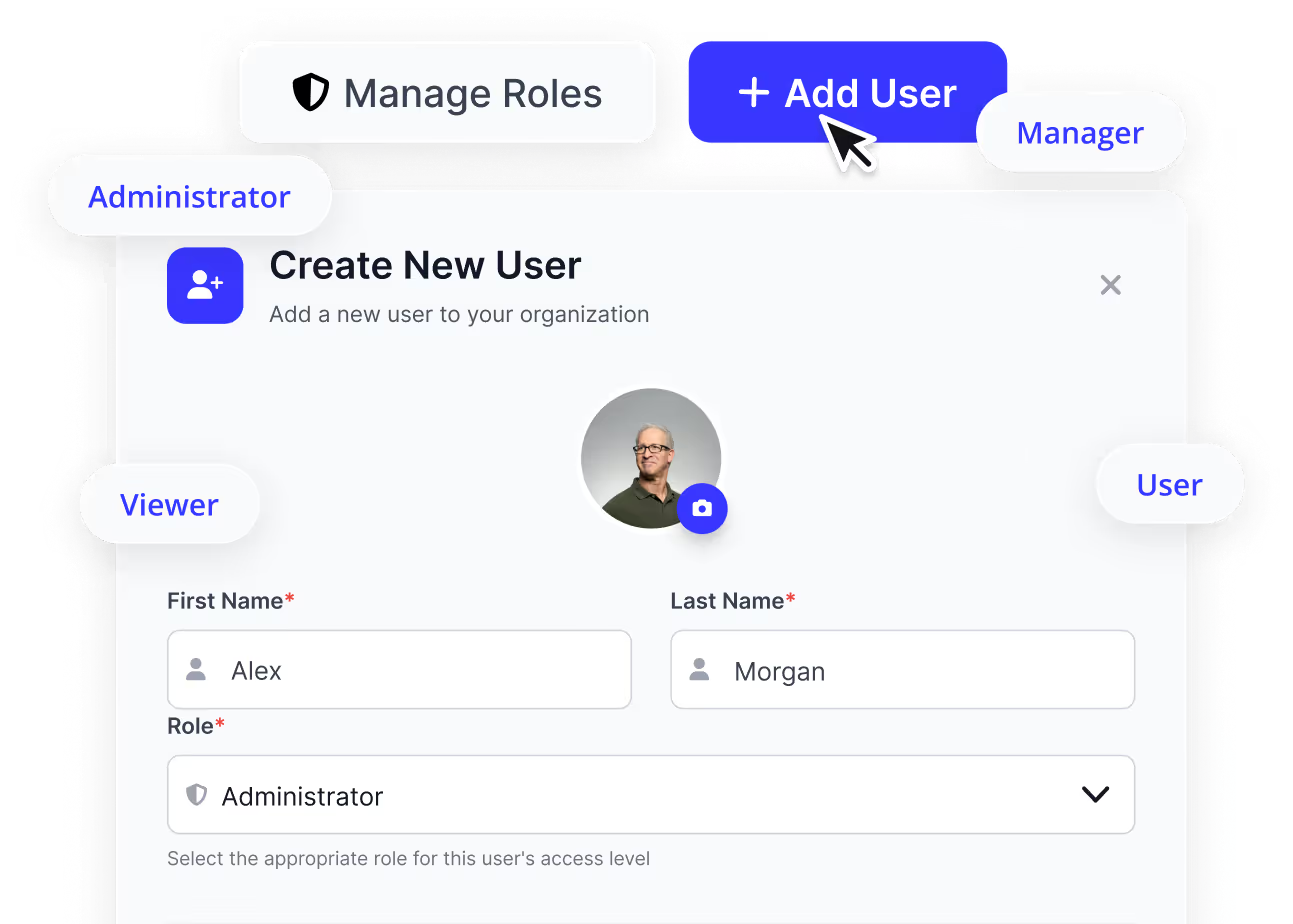
Give each person exactly the access they should have, no more, no less. You decide who can edit, who can approve, and who can only view.
- Set permissions per person
- Keep who prepares separate from who approves
- Keep sensitive financial data controlled
A clear step-by-step process
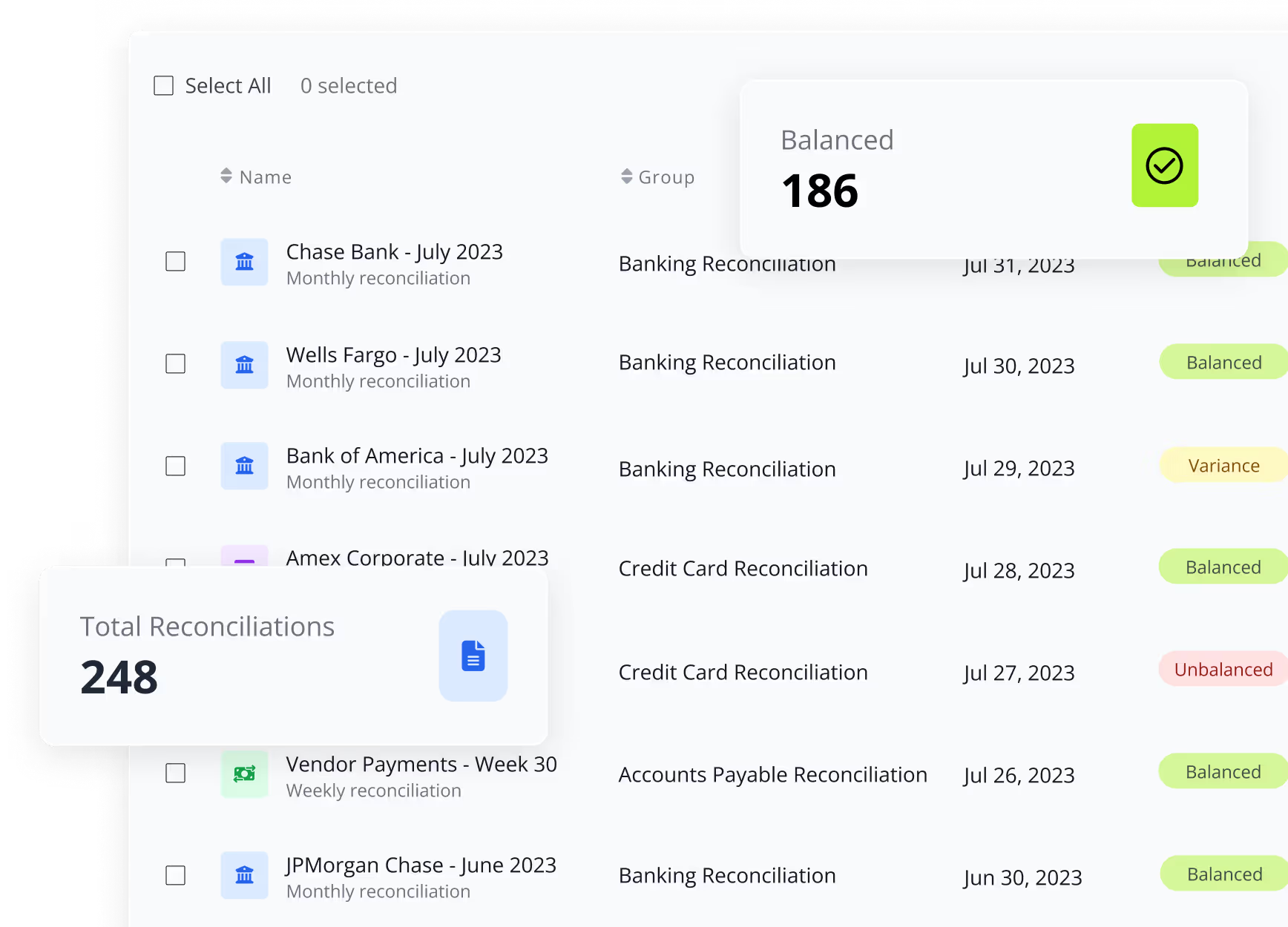
Run, review, and finish each reconciliation in clear steps, with someone owning every exception and signing it off.
- Clear stages and status for every run
- Send each exception to the right person
- Nothing closes without approval
Connect it to your own systems
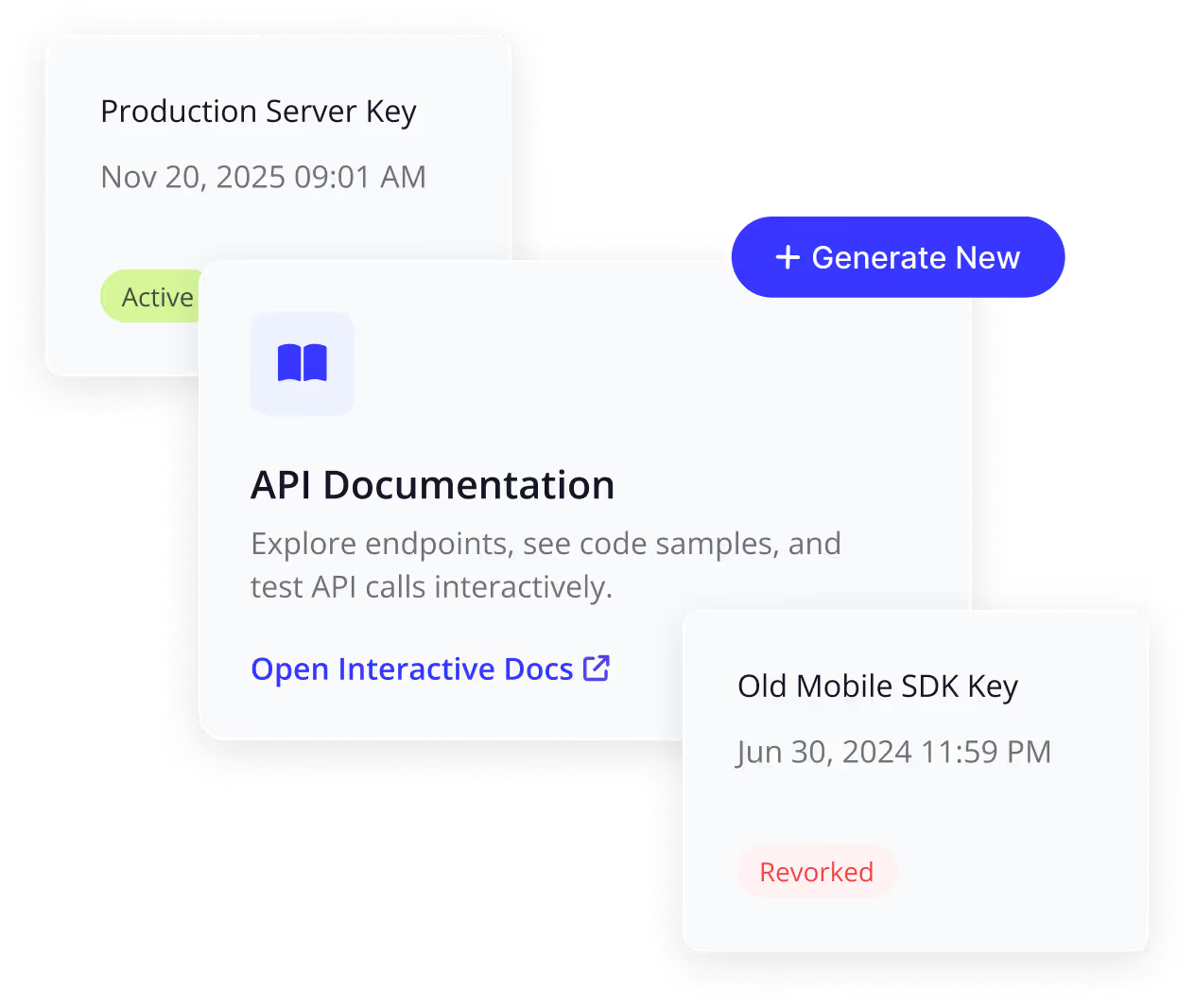
Have your own software? An API lets your developers plug reconciliation straight into it and push data back and forth.
- Build reconciliation into your own product
- Send and pull data automatically
- Run the whole flow hands-free
What you get when reconciliation runs on its own
Automated reconciliation software takes the slow, manual work off your team and does it in the background, so the numbers are always caught up and you can trust what you see.
AI reconciliation software for every industry that takes payments
Automated reconciliation software works the same whether you run a few card terminals or process thousands of payments a day. Here's what it does in a few industries.
Retail
Every card sale at the register should land in your bank, minus the fee. It checks that it did, store by store, so nothing goes missing between the terminal and the account.

E-commerce
With thousands of orders a day across different payment tools, one missing payout is impossible to spot by hand. Automated reconciliation software ties each order to the money that actually arrived and flags the ones that didn't.

Manufacturing
Big invoices often get paid short, late, or in parts. It matches each customer payment to its invoice and shows exactly why the amount differs, so you always know who still owes what.

Healthcare
Payments come from both patients and insurers, often for the same visit. It matches them back to what was billed, so you can see what's been paid in full and what's still open.

Logistics
Money comes in from many customers, delivery platforms, and cash-on-delivery, all on different days. It ties each payment to the right order, so you can see what's been collected and what's still owed.

Hospitality
Card payments, tips, and deposits come in across many terminals every day, then land in the bank later, minus fees. It checks each payout adds up, so nothing goes missing between the front desk and the account.
Two sides. One match. Only the problems left for you
Your records on one side, the money that actually landed on the other. Automated reconciliation software lines them up, clears everything that agrees, and hands you only the handful that don't. That handful is where the real work is, and it's all you see.
Connect your sources
Bring in your internal ledger from your accounting software on one side, and your banks and payment processors on the other, which cuts the statement-by-statement downloads other tools require.
Match with AI & your rules
You decide what counts as a match (same amount, date, order or invoice number), and LedgerMatch matches up to 95% of your payments on its own. AI catches the harder ones your rules would miss.
Review only the exceptions
Everything that ties out clears on its own. Your team's attention goes only to what didn't: grouped, explained, and ready to resolve.
Export the audit trail
Every match, variance, and sign-off is recorded as you go, including who reconciled it and who approved it, so audit prep becomes an export, not a scramble.
One engine for every payment source you reconcile
Bank, card, POS: the same AI reconciliation software matches any two sources on the money-in side. As you add channels and processors, you won't need a separate tool for each one.
Bank reconciliation
Match your own records to the bank statement and catch anything missing or unexpected, across more than 12,000 US banks.
POS reconciliation
Match card payouts from your store terminals to the money in the bank, store by store.
What changes when reconciliation is automated

Faster close cycles

Fewer manual checks

Reduced operational risk

Full transparency across payment flows

Finance teams stay in control
LedgerMatch fits into your day, without changing how your team works
Connect your sources, keep your process, and let the matching run underneath it. Simple, clear, and no long rollout.
View PricingSecurity & compliance built in
Enterprise-grade data encryption
All financial data is encrypted in transit and at rest to prevent unauthorized access at every stage.

Role-based access control
Granular permissions ensure users only see and manage what they are authorized to access.

Full audit trails and activity logs
Every action is logged and traceable, providing full visibility for audits and internal reviews.

Secure infrastructure & access isolation
Isolated environments and secure infrastructure protect sensitive data across teams and entities.
Not ready for a full deployment?
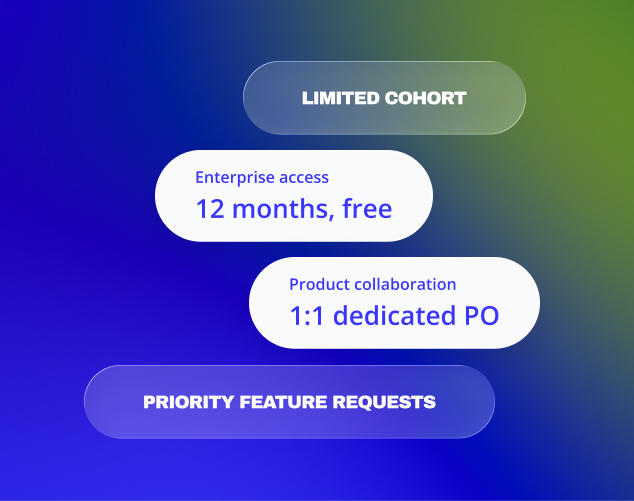
Qualified organizations may be eligible for our Design Partner Program. Help shape the product and get early access on preferential terms.
Learn More About Design Partner Program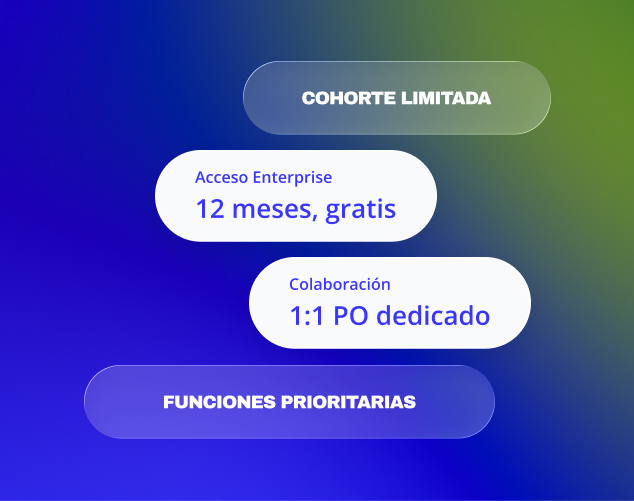
FAQs about LedgerMatch

