













© Urenkoff 2025
What connecting actually means, the questions worth asking before you do it, and how to check the result before you trust it.
Most finance teams still reconcile from a file. Someone logs into the bank, exports a statement, opens it next to the sales or invoice records, and works down the two columns. It works, and it is also the reason reconciliation happens once a month instead of once a day.
Connecting the bank account directly removes that step. The transactions arrive on their own, matching runs against them as they land, and nobody has to remember to export anything. This guide covers what that connection is, what to check before you set one up, and how to satisfy yourself the result right before you rely on it.
What connecting your bank account actually means
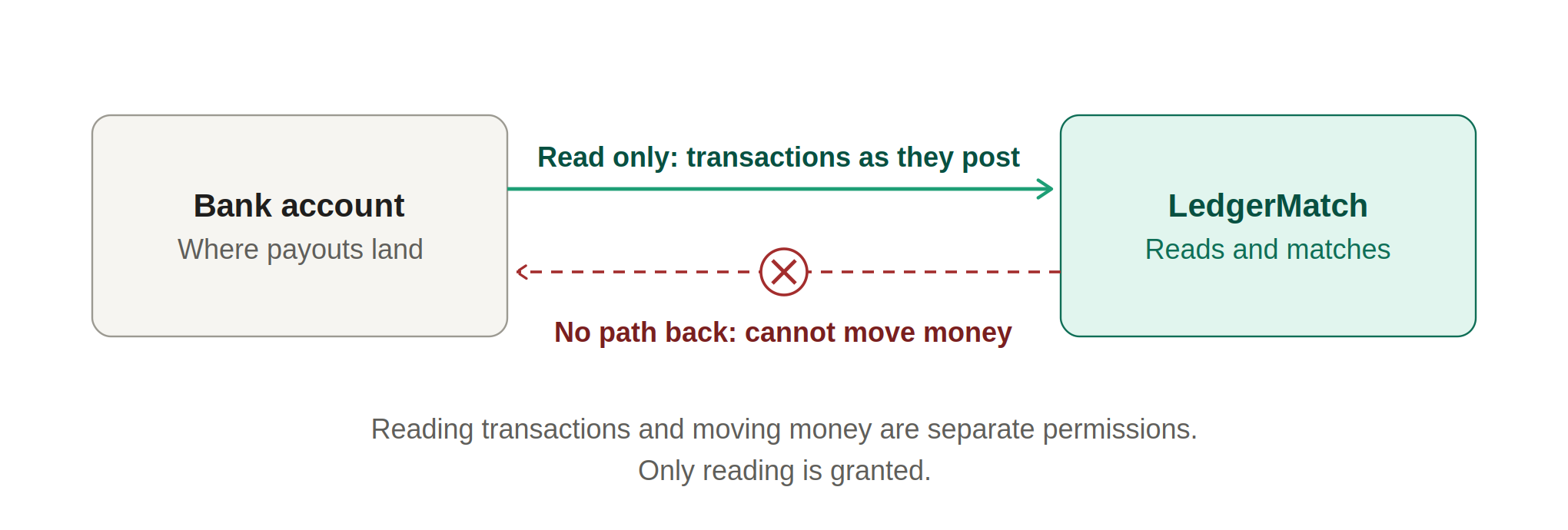
A direct connection is read access to your transaction data. You authorise it once, and from then on your reconciliation software receives the transactions as they post: the amount, the date, the description and the account they landed in.
What it is not, when it is set up correctly, is access to your money. Reading transactions and moving money are separate permissions. Reconciliation software only needs the first, and it is worth confirming in writing that the second has not been granted, because bank connections are capable of carrying payment initiation as well.
It is also not the same as an integration with your accounting software. Connecting your bank to a reconciliation tool does not change your ledger, does not post entries, and does not replace whatever you use to keep your books.
Three ways to get bank data into a reconciliation process
It is worth seeing the options side by side, because most teams have been on the first two long enough to assume that is simply how it works.
The difference that matters is not the minutes saved on the export. It is that a direct connection makes daily reconciliation possible at all. When the data arrives on its own, matching can run every night, which means a payment that never arrived is found the same week rather than at the next month end.
Six questions to ask before you connect anything
You are granting a third party a view of your company’s bank account. That deserves a few minutes of scrutiny, and the answers should be easy to get. If a vendor is vague on any of these, treat that as the answer.
1. Is the connection read only, and what exactly was granted?
Ask it plainly, and ask for it in writing. The answer you want is that the software receives transaction information and holds no permission to move funds. Ask what scope was requested at authorisation, not just what the product does with it, because the permission granted at the bank is the thing that matters if anything ever goes wrong.
2. Is my bank supported?
Coverage varies more than people expect, particularly for smaller regional banks and credit unions. Ask for the number and then ask specifically about your own bank. LedgerMatch connects to more than 12,000 banks across the US.
3. How is my bank actually connected, and where do credentials go?
Not every bank connects the same way. Some use a bank-hosted approval screen where you log in with the bank itself and the vendor never sees your details. Others still rely on credentials being supplied and stored so the data can be retrieved on your behalf. The difference matters, and you are entitled to know which one applies to your bank before you authorise anything.
4. Who inside my company will be able to see this?
A bank feed is sensitive data. Check that access can be limited per person, so people see only the accounts they are responsible for. If everyone with a login can see every account, that is worth knowing before the data is flowing rather than after.
5. Does anything get written back?
Some reconciliation tools post journal entries into your ledger once a match is made. That can be useful, and it also means a wrong match becomes an entry someone has to unpick later. LedgerMatch does not write back to your accounting software at all, so a wrong match stays a line to fix in one place.
6. How far back does the data go, and how do I disconnect?
Most connections bring in a period of history when they are first authorised, and that history is what lets you test the tool against a month you have already closed by hand. Ask how much you will get before you sign anything.
Then ask how to end it. You should be able to revoke access from your side at any time, and you should know what happens to the transactions already imported when you do. A vendor who answers that easily is telling you something about how they treat your data.
Read only, and nothing else
With LedgerMatch both connections are read only. The software can see the transactions on the account and has no way to send a payment or move funds. It also never posts anything to your books, so there is nothing to migrate and nothing to undo if you decide it is not for you. The full approach is set out on our reconciliation software page.
How the connection is set up
The mechanics are straightforward and take minutes rather than days. What follows is the shape of it, whichever tool you use.
Step 1. Choose the account, not just the bank
Most businesses hold more than one account, and the one you want is the account the money actually lands in. If card settlements fund into an operating account and you also hold a reserve or a tax account, connect the one the payouts reach first. You can add the others later.
Step 2. Authorise the access
You approve the connection and confirm the scope of what is being granted. If your bank uses multi-factor authentication, expect to complete it as part of this step, and expect to be asked again periodically when the authorisation is refreshed.
Step 3. Confirm what came in
Once the connection is live, check that the transactions arriving look like the account you meant to connect. Match a handful of figures against a statement you already have. This takes five minutes and it is the cheapest sanity check available.
Step 4. Describe the match
The connection brings in one side. The reconciliation still needs to know what it is being compared against, and what counts as a match: the amount, how many days a deposit is allowed to lag, and which reference has to agree. In LedgerMatch the assistant proposes those rules from your own data, and nothing runs until your team has approved them.
Step 5. Test it against a month you already closed
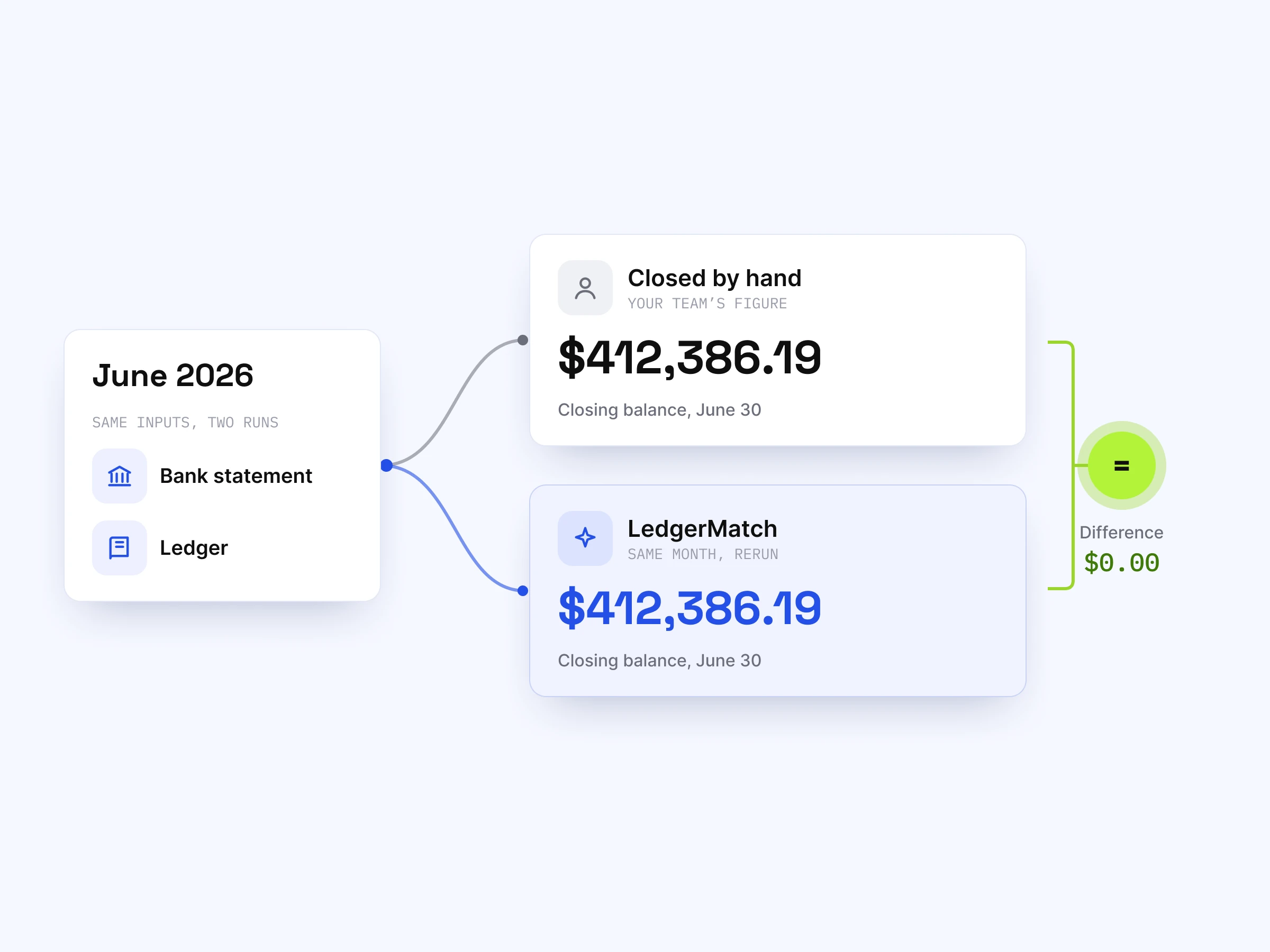
This is the step most people skip and the one that decides whether anyone trusts the result. Run a period you have already reconciled by hand and compare the two answers. If they agree, you know the rules are right. If they do not, you find out now rather than three months in.
It is worth insisting on this with any vendor. Nobody should be asked to believe a match rate. They should be shown the software reaching the same number they reached themselves, on a month they already know.
What to expect once it is running
- The first sync brings history. You will usually get a period of past transactions immediately, which is what makes the backtest possible.
- After that it is continuous. Transactions arrive as they post, so matching can run daily instead of monthly.
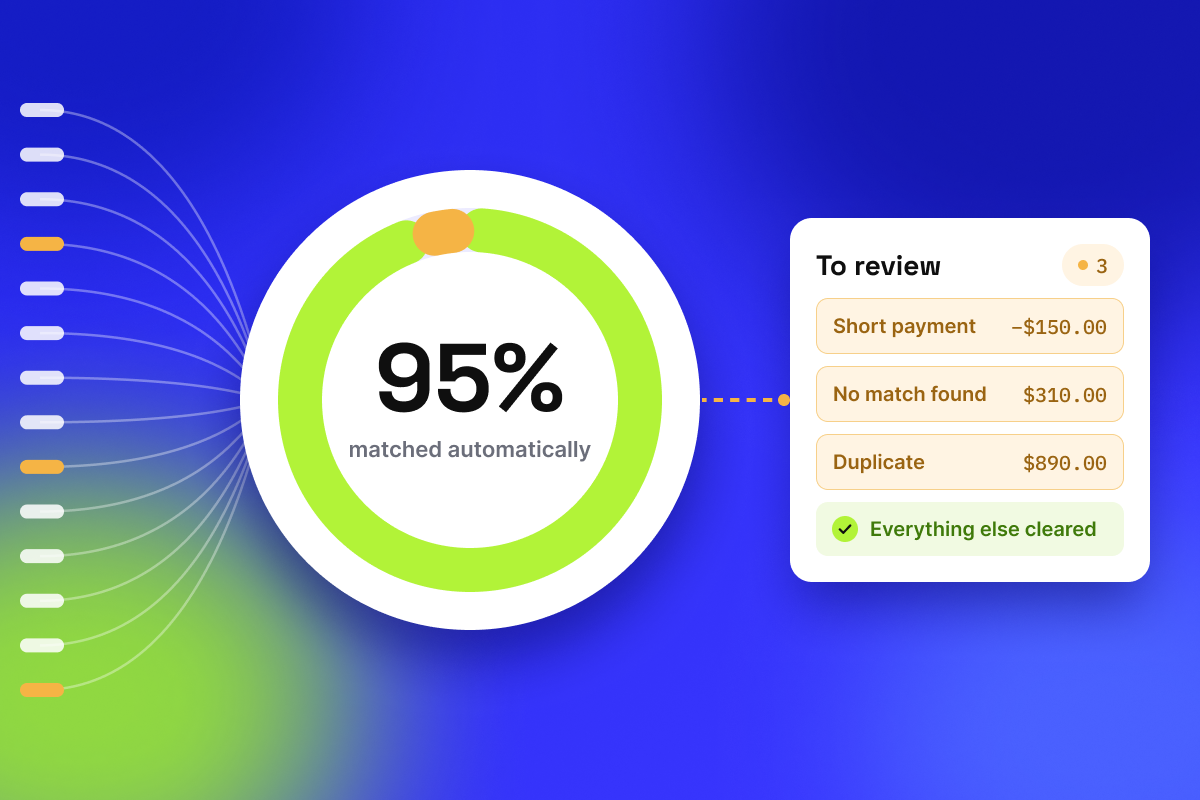
- Most of it clears itself. With LedgerMatch, up to 95% of payments match automatically, at up to 99% accuracy.
- What is left comes to you with a reason. Each item that did not match is returned with the cause and a pointer to the record that would settle it, so the work is deciding rather than searching.
- Pending items are held. A credit that has not posted yet is not matched until it does, so nothing is counted twice.
Problems people hit, and what they usually mean
The bank is not in the list
Smaller institutions and some credit unions take longer to appear. Ask whether the connection is planned, and in the meantime most tools will still accept an uploaded statement so you are not blocked.
The connection keeps asking to be re-authorised
Authorisations expire on a schedule, and some banks do it more often than others. This is normal. What is not normal is discovering it because reconciliation quietly stopped running, so check that the tool tells you when a connection needs attention.
A personal account was connected by mistake
It happens more than you would think, particularly in smaller businesses where the same person banks both ways. Disconnect it rather than leaving it in place, because mixing personal transactions into a business reconciliation creates exceptions that can never be resolved.
Transactions appear that have nothing to do with sales
Interest, transfers between your own accounts and software fees all land in the same account. They should be classified and set aside before matching rather than treated as unexplained differences. If your tool cannot do that, every month will end with a list of items that are not actually problems.
See it against your own numbers
Connecting takes minutes. Book a walkthrough and we will put the software alongside a month your team has already finished, so you can see whether the two answers agree before anything goes live.


Become a Design Partner
Reconcile faster. Stay audit-ready
We're accepting a limited number of organizations for the inaugural cohort. No cost, 12 months, direct access to our team.
General
General
November 5, 2026
How to Audit a Bank Reconciliation
A bank reconciliation that balances proves almost nothing. This guide covers the full audit procedure, the manipulations it catches, and the red flags worth knowing.
General
General
November 5, 2026
How to Reconcile Accounts Receivable Without Forcing the Numbers
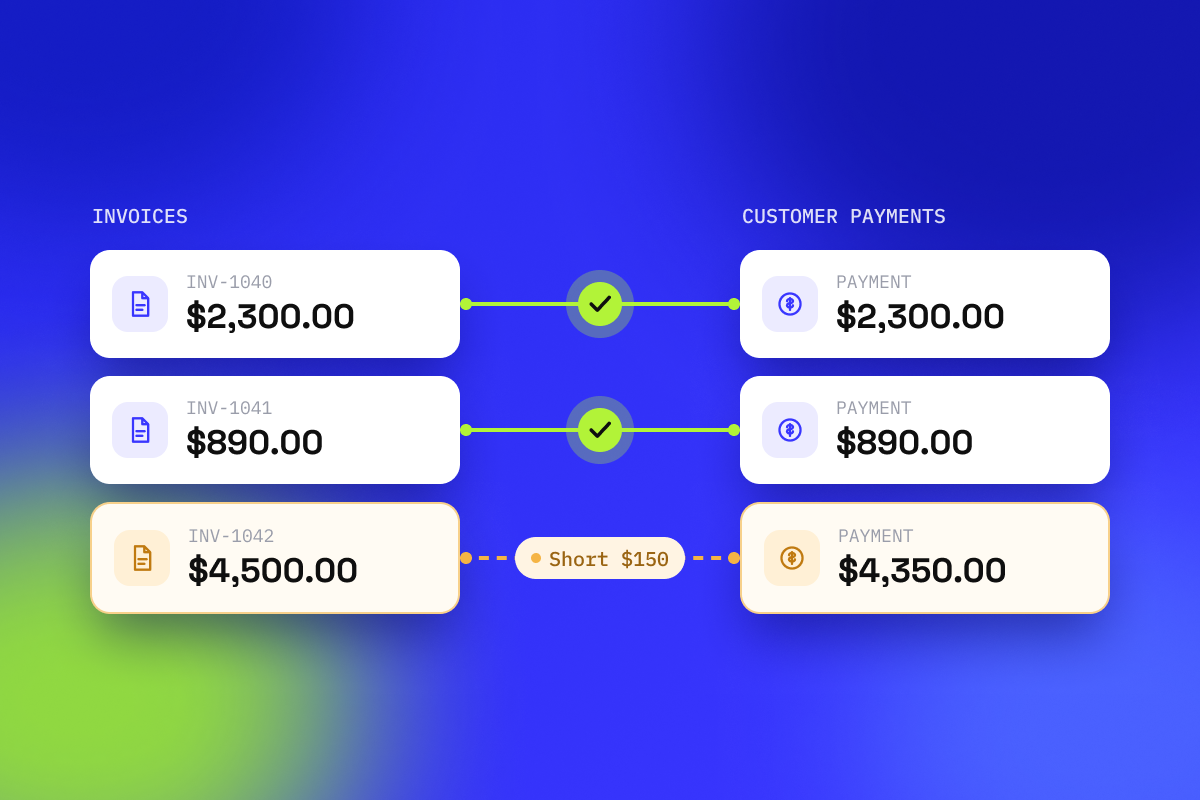
Accounts receivable reconciliation answers one question: does what customers owe you agree with the money that actually arrived. This guide covers the six-step process, the six differences that cause most of the work, and how to stop doing the matching by hand.
General
General
November 5, 2026
LedgerMatch brings automatic payout reconciliation to Clover merchants
LedgerMatch ofrece a los comerciantes de Clover una conciliación automática de los pagos
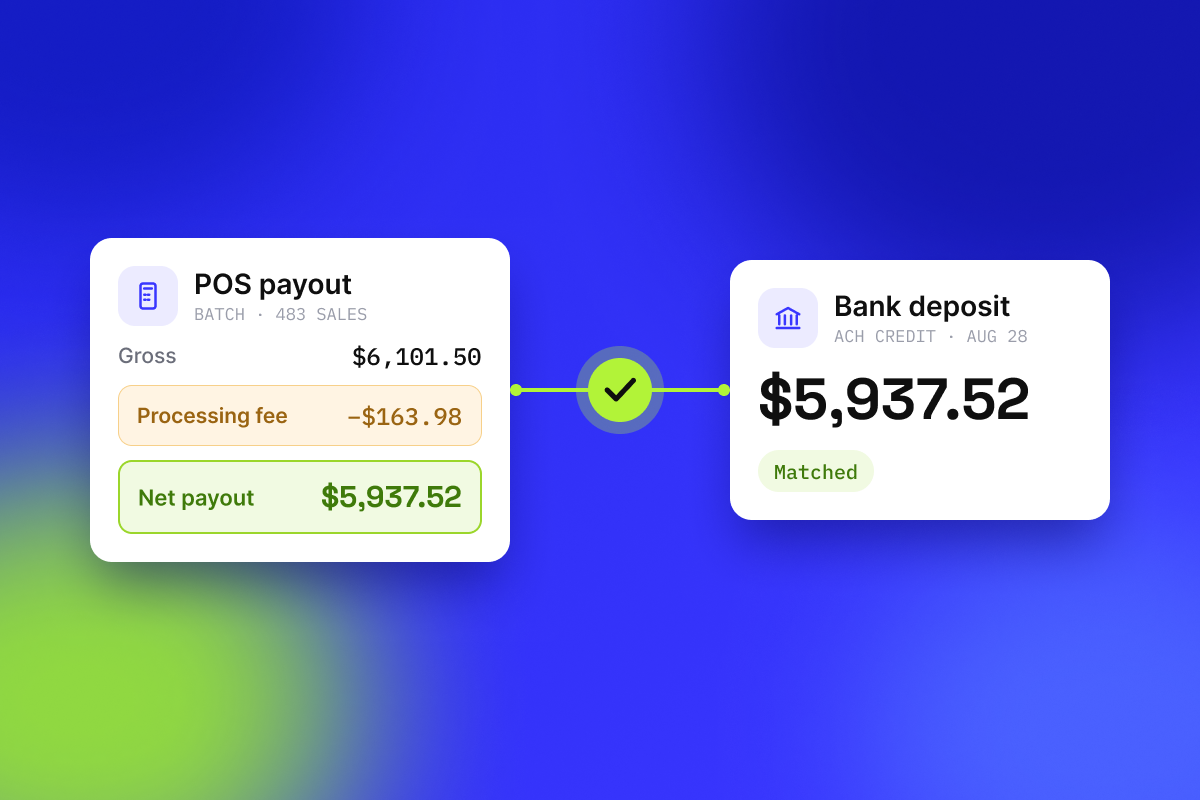
A new Clover POS integration connects card processing and the bank account on one side each, then returns only the lines that do not tie.
Una nueva integración de Clover POS conecta, por un lado, el procesamiento de tarjetas y, por otro, la cuenta bancaria, y a continuación muestra únicamente las partidas que no cuadran.